Buying guide · Electronics
Home Security Cameras and Smartwatches: A Plain-English Buying Guide
Cheap electronics are where buyers most often get exactly what they paid for. Cameras that need a subscription to show yesterday's footage, watches that stop syncing after a firmware update. This guide walks through the two categories we sell most, what the spec sheet words actually mean, and which items we would buy for our own house.
The short version
- Pick the camera by where it lives: indoor PTZ, solar outdoor, or a light-bulb camera to stay unseen.
- Past 1080p, resolution matters less than night vision, field of view and person detection.
- No subscription needed: every camera we list records to a local memory card.
- Budget smartwatches are fitness trackers with a screen; check the app supports your phone.
Security cameras: decide where it lives before you decide anything else
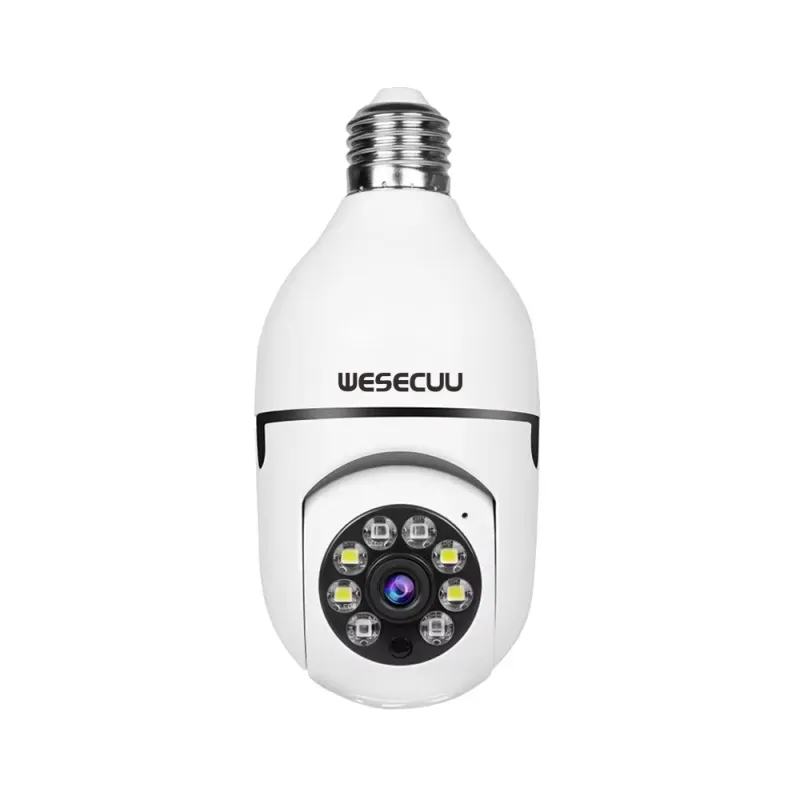
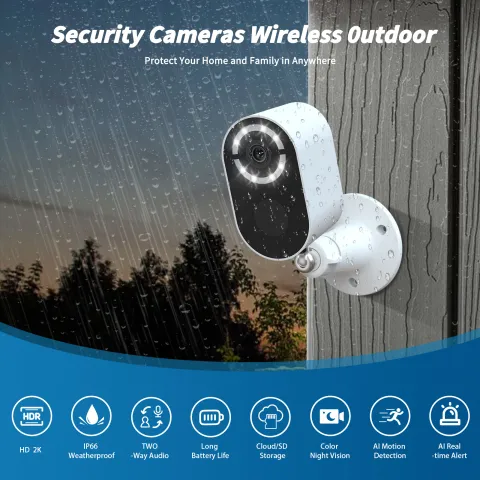
Indoor, outdoor and disguised cameras solve different problems. An indoor pan-tilt-zoom (PTZ) camera on a shelf covers a whole room by turning, which is why a single 1080p PTZ unit is the right first camera for most apartments. Outdoor cameras need a weather rating and either a power source or a solar panel; a solar camera with a built-in battery is the one to choose if there is no outlet near the spot you want to watch. Light-bulb cameras screw into an existing socket and are the least visible option for a porch or garage.
Resolution is the number everyone looks at and the one that matters least once you are past 1080p. A 3 MP camera with a good lens beats a 4K camera with a bad one, and higher resolution fills a memory card faster. What you should actually compare: night vision type (infrared is fine, colour night vision needs some ambient light), field of view, and whether motion detection can tell a person from a passing car.
- First camera for a home: indoor 1080p PTZ with two-way audio.
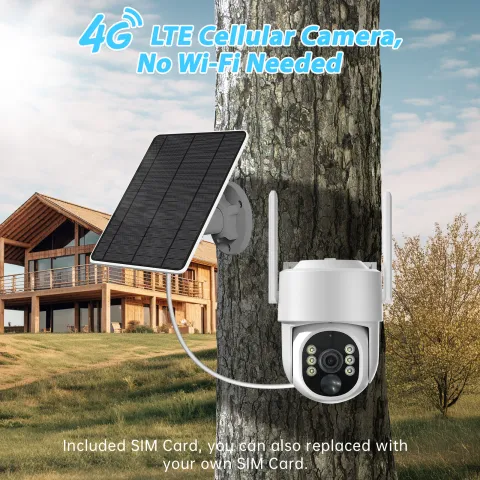
- No outlet outside: solar PTZ with battery; add a 4G model only if there is no Wi-Fi at all.
- Wants to be unseen: light-bulb camera in an existing socket.
Storage and subscriptions: read this before the camera arrives
Every camera records somewhere. Local recording to a microSD card in the camera costs nothing after the card; cloud recording usually needs a monthly plan. Check two things on the product page: the maximum card size the camera accepts, and whether basic features like live view and motion alerts work without a plan. The cameras we list all support a local card, and several ship with one included, so you can run them with no subscription at all.
Wi-Fi is the other quiet requirement. Almost all budget cameras connect on 2.4 GHz only. If your router only broadcasts a single 5 GHz network, the camera will not find it; most routers let you enable a separate 2.4 GHz name in settings.
Smartwatches under $50: what you get and what you don't
A budget smartwatch is a fitness tracker with a big screen. It counts steps, tracks heart rate and sleep, shows phone notifications, and lasts a week on a charge. It does not run third-party apps, make calls on its own, or replace an Apple Watch for Apple users who want deep iPhone integration. If those limits are fine, the value is hard to argue with.
Two things to check: that the companion app supports your phone (all the watches we carry work with both iPhone and Android), and the screen size against your wrist. A 1.83-inch display is easy to read but looks large on a small wrist; a slimmer band-style tracker is the alternative. Battery claims are usually quoted with the screen mostly off, so expect about half the number on the box if you keep notifications on.
Earbuds, chargers and the small stuff
The rest of the Electronics shelf is the useful small stuff: true wireless earbuds with a charging case, smart plugs that put a lamp on a voice assistant, handheld fans and portable speakers. The rule for all of them is the same: check the connector and the standard. Earbuds should list Bluetooth 5.0 or later for a stable connection; smart plugs should name the assistant they work with; anything that charges by cable should say whether that cable is USB-C.
Setting up in ten minutes
Almost every setup problem with a budget camera comes from doing the steps out of order. Install the maker's app and create the account first. Put the camera within a few feet of the router for pairing, even if it will live outside later, and connect it to the 2.4 GHz network. Insert the memory card before powering on so the camera formats it. Only then carry it to its final spot and check the live view from there; if the signal drops, move the camera or the router, not both.
For solar models, charge the battery fully by cable before the first outdoor mount, then face the panel south with nothing shading it at midday. Set motion sensitivity to medium and shrink the detection zone to exclude the road, or you will get an alert for every car and the battery will drain in days.
Drones, action cameras and dash cams
The rest of the shelf is for people who want to record the world rather than the porch. Entry drones with dual cameras and two batteries are toys in the best sense: fold them, fly them in a park, film the kids. Know that anything over 250 grams needs FAA registration in the U.S., and the light foldable models we sell are chosen partly because they stay under that line. A three-channel dash cam records the road, the cabin and the rear at once, which is what an insurance claim actually needs. Action cameras are for helmets and handlebars; check the mount type in the box before you buy a second set.
What we would buy for our own house
The picks below are the items on our Electronics shelf we would start with. Each is stocked in a U.S. warehouse, ships within one business day with shipping included, and carries our 30-day return window, which matters more for electronics than for almost anything else we sell.
Editor's picks
What we would order first
Every one is stocked in a U.S. warehouse right now. Prices are live.
- 1
1080P Smart Home Security PTZ Camera
$27.99
1080p indoor PTZ camera: the right first camera for an apartment, covers a whole room by turning.
- 2
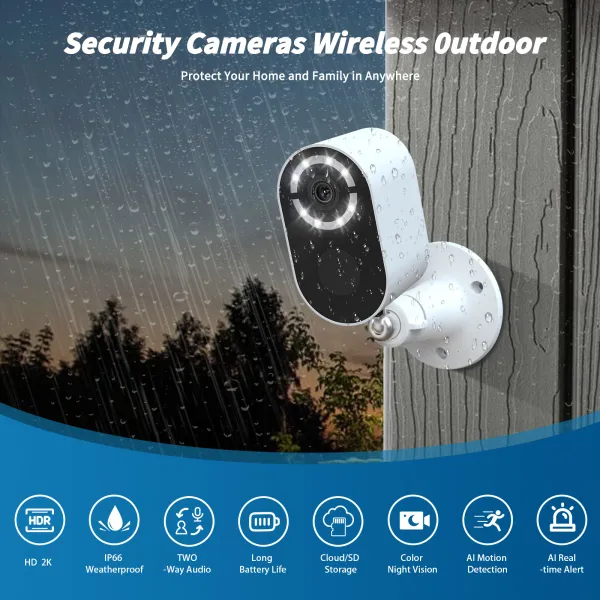
Solar Wireless Security Camera
$52.99
Solar wireless camera for the spot outside with no outlet.
- 3
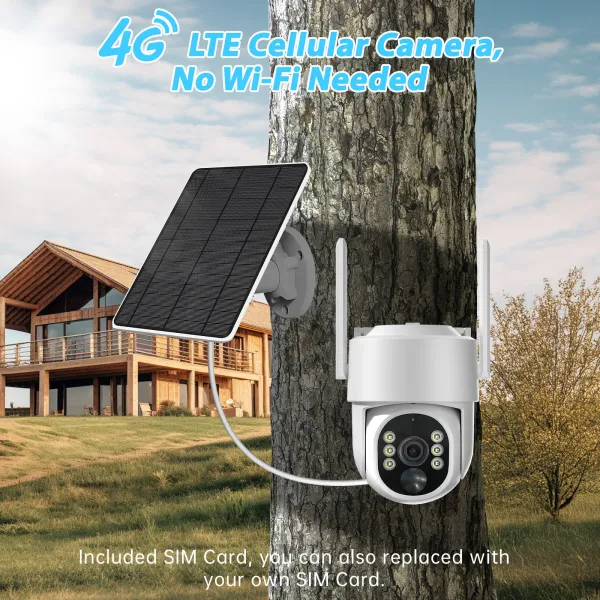
4G Solar PTZ Camera with 64GB Card
$79.99
4G solar PTZ with a 64 GB card included, for a shed, gate or lot with no Wi-Fi.
- 4
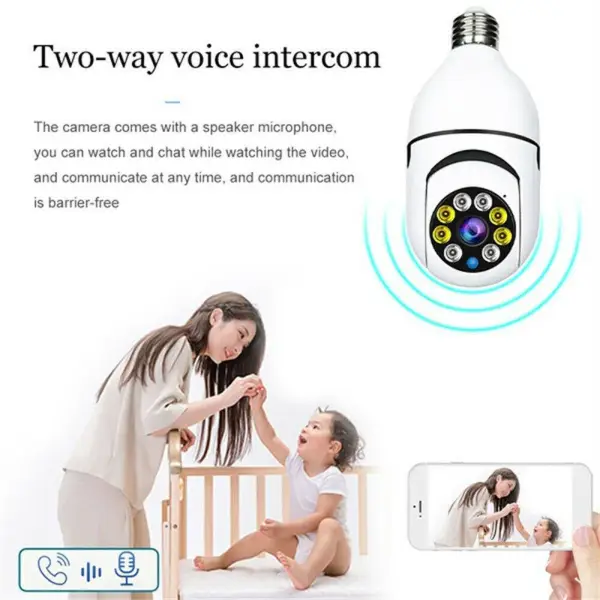
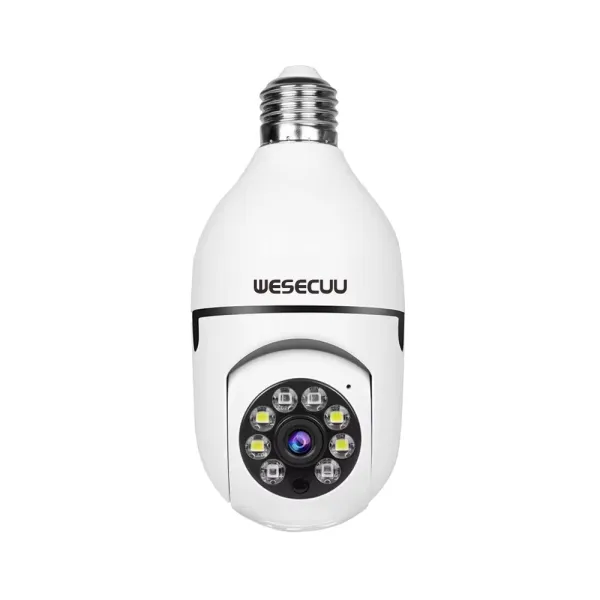
E27 Light Bulb Security Camera
$27.99
Light-bulb camera that screws into an existing socket and disappears.
- 5
1.83" Fitness Smartwatch
$30.99
1.83-inch fitness smartwatch that works with iPhone and Android; a week of battery with notifications off.
- 6

Bluetooth Smart Watch — Fitness Tracker
$13.99
Slimmer Bluetooth fitness tracker for smaller wrists or a first watch.
- 7
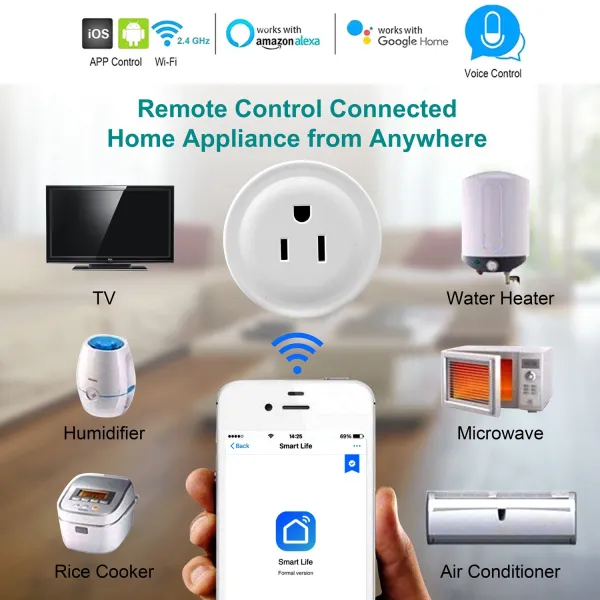
WiFi Smart Plug with Voice Control
$27.99
Wi-Fi smart plug with voice control: the cheapest way to put a lamp on a schedule.
- 8
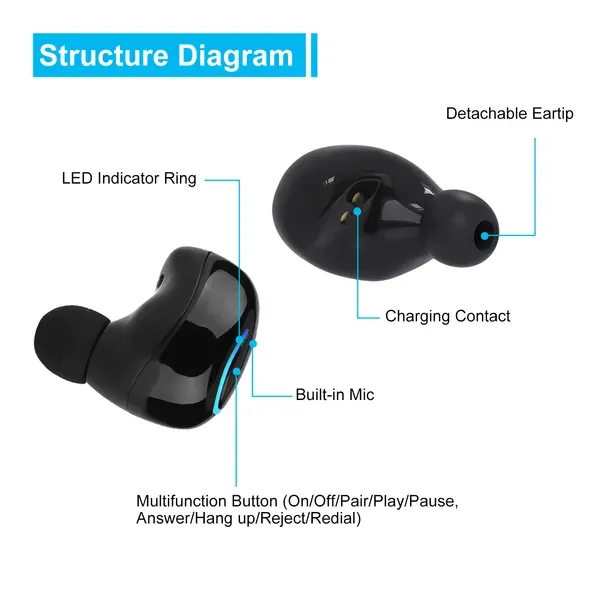
Wireless Stereo Earbuds
$55.99
True wireless stereo earbuds with a charging case for everyday use.
Common questions
Do these security cameras need a monthly subscription?
No. Every camera we list records to a local microSD card and shows live view and motion alerts without a plan. Cloud storage is optional where the maker offers it.
Will the camera work on my Wi-Fi?
Budget cameras connect on 2.4 GHz Wi-Fi. If your router only shows a 5 GHz network, enable the 2.4 GHz band in the router settings before setup.
Do the smartwatches work with iPhone?
Yes. The watches we carry pair with both iPhone and Android through their companion app. They show notifications and track fitness; they do not run third-party apps.
How long does the solar camera run without sun?
It depends on how often motion wakes it. With a few events a day, the built-in battery typically covers several cloudy days. Point the panel south and keep it clear of leaves.
Can I return electronics if they do not work with my setup?
Yes, within 30 days. If a unit is defective on arrival, the replacement or refund is on us, including shipping.
Can two people watch the same camera?
Yes. The maker's app lets you share a camera with another account, so both phones get live view and alerts. Set the second person up as a shared user rather than sharing your login, so you can remove access later without changing your password.
What memory card size should I buy?
Check the maximum the camera lists, usually 64 GB or 128 GB, and buy a card marked for continuous recording or high endurance. A 64 GB card holds roughly a week of motion clips at 1080p before the oldest are overwritten automatically.
3–7 business days
Ships from a U.S. warehouse within one business day, shipping included.
30-day returns
Change your mind for 30 days. Damaged or wrong items are on us.
Secure checkout
Payments processed by Stripe. We never see your card number.
A person answers
Support replies within one business day, Monday to Friday.